
Typora
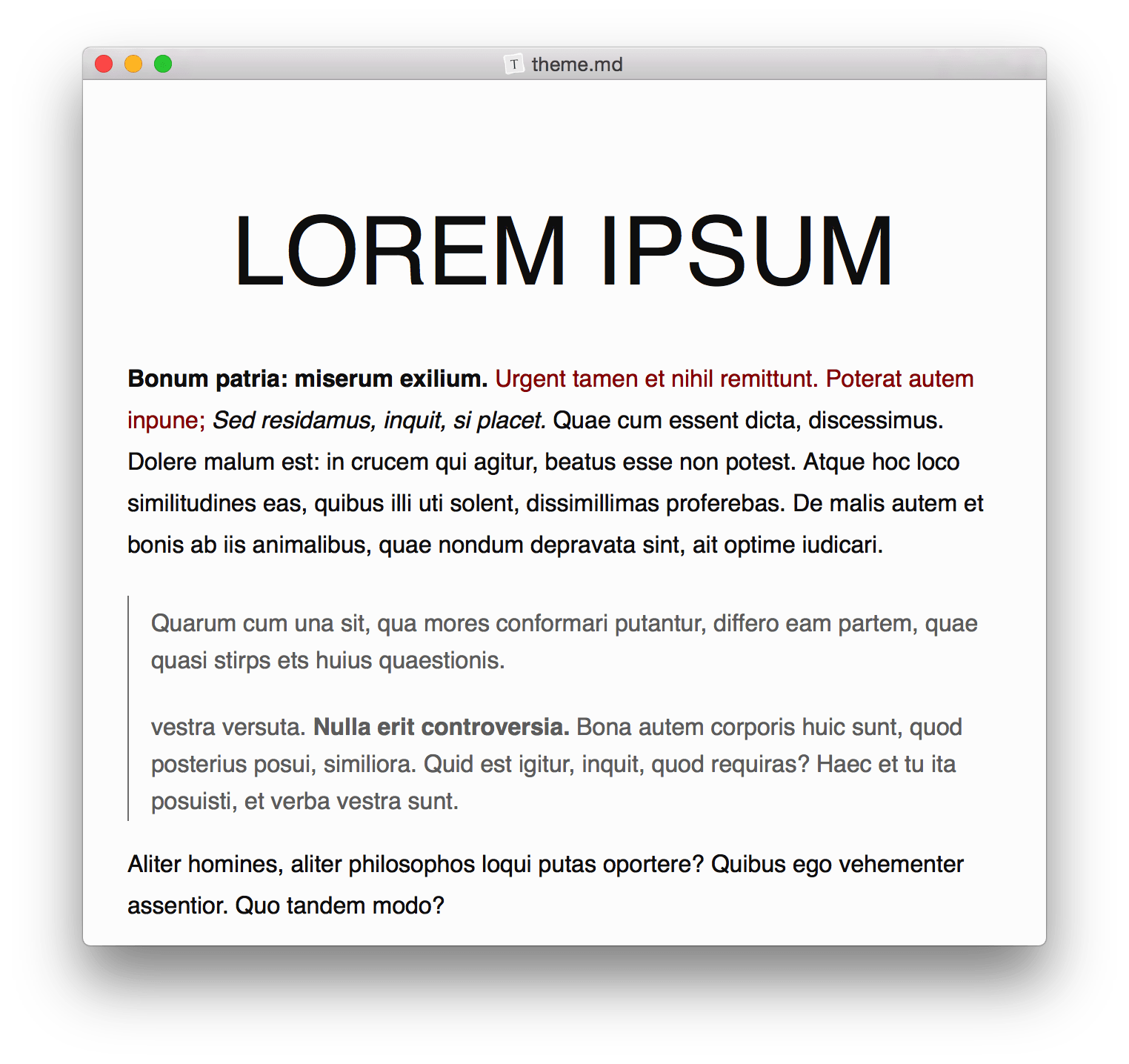
Read our in-depth review of Typora, the minimal Markdown editor for Linux that removes distractions to deliver a seamless live preview writing experience.
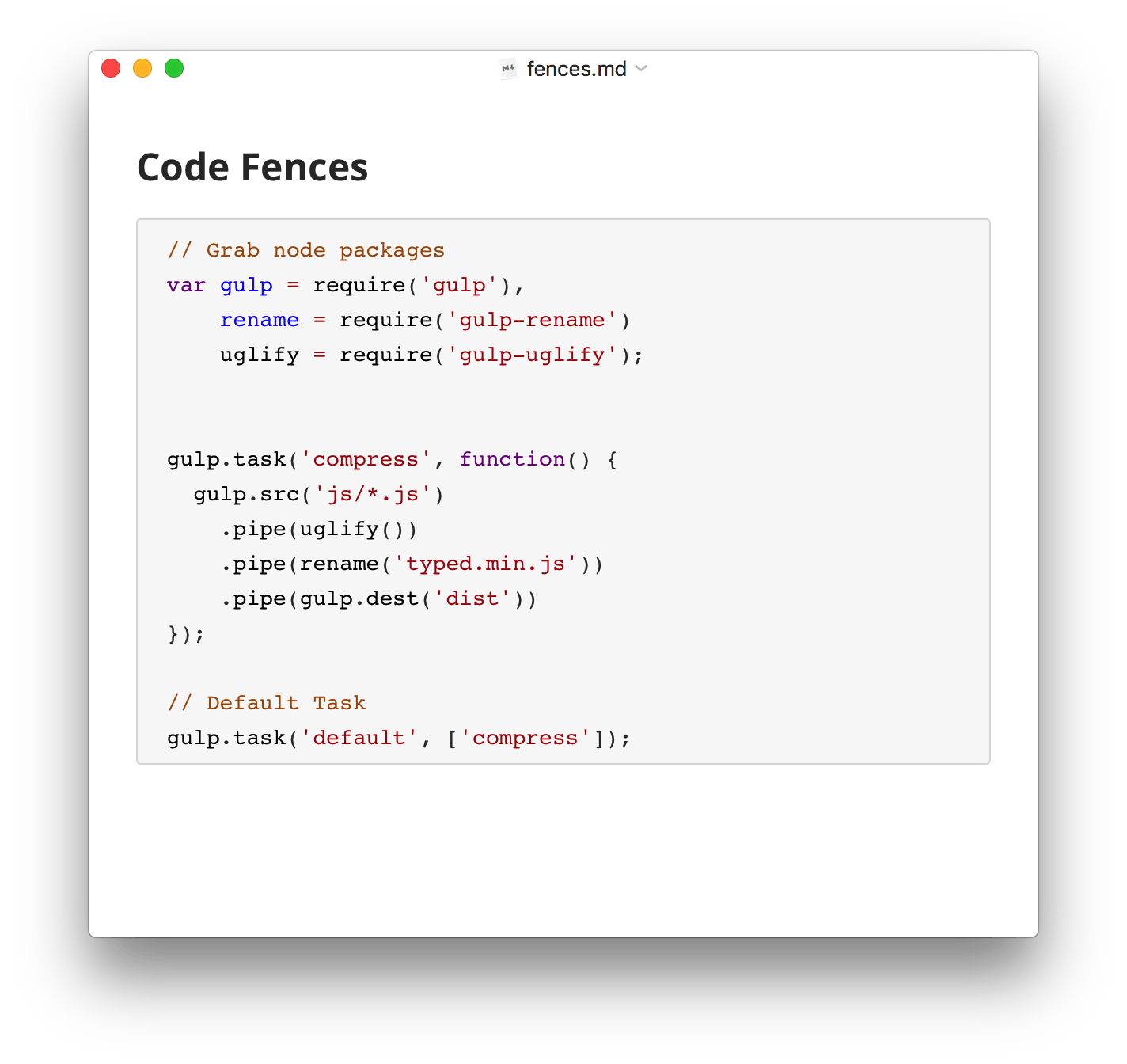
When it comes to digital drafting, the friction between formatting and writing often disrupts the creative flow. The Typora Markdown writing app solves this age-old problem by removing the traditional split-screen preview entirely. Instead of forcing you to manage complex syntax code on one side and a rendered preview on the other, this elegant Linux tool merges both worlds into a single, real-time interactive canvas.
A Pure, Distraction-Free Workspace
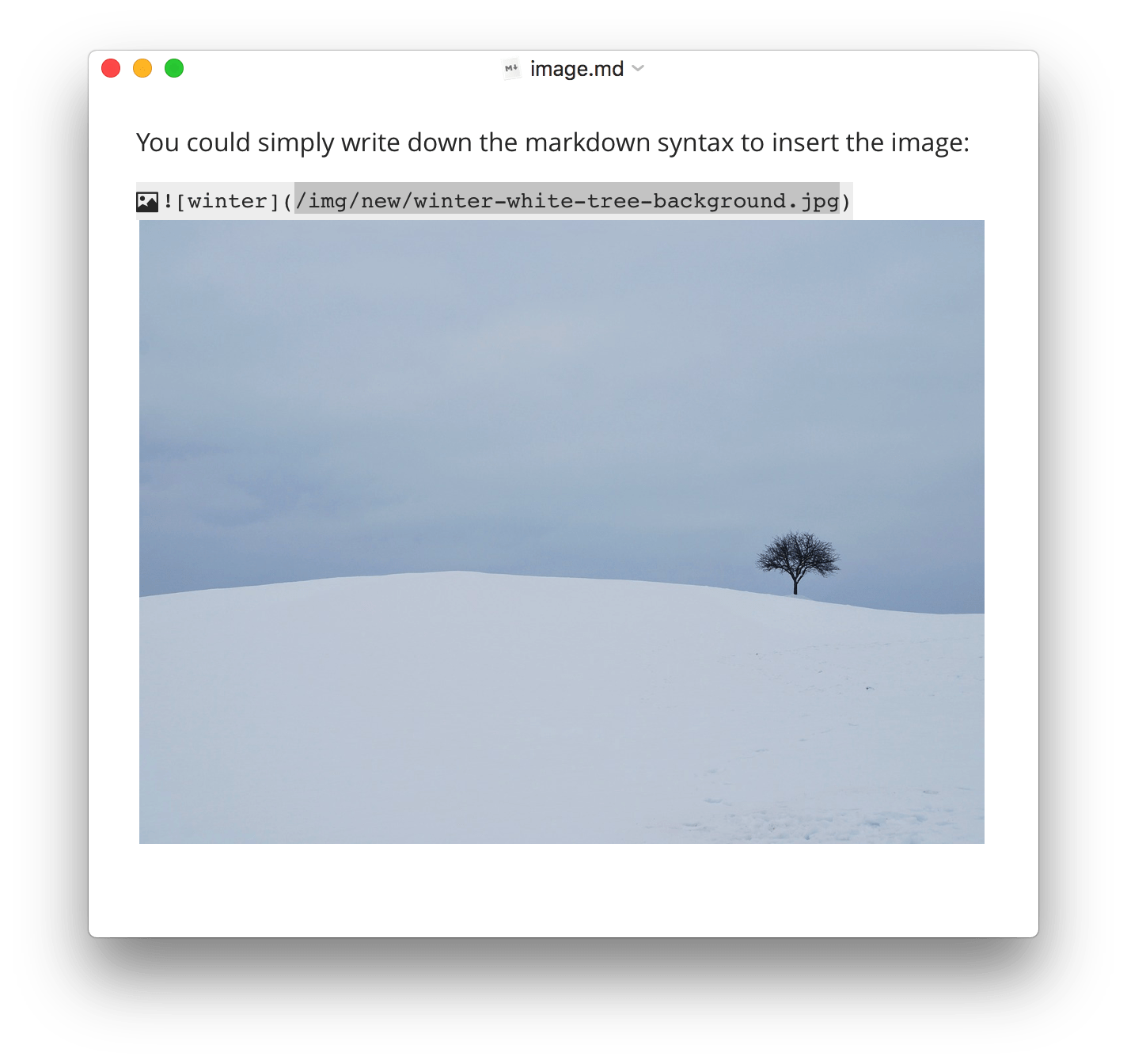
The core philosophy behind the Typora Markdown writing app is radical simplicity. By stripping away cluttered toolbars, mode switchers, and unnecessary interface elements, the application invites you to focus entirely on your words. As soon as you finish typing a Markdown command (such as headers, lists, or bold text), the syntax symbols instantly transform into beautifully styled typography. This live preview system ensures you see exactly how your final document will look without needing to toggle views constantly.
Key Features of Typora for Linux
- Seamless Live Preview: Typora renders your Markdown formatting dynamically as you type, providing an immediate, WYSIWYG-like experience.
- Minimalist Aesthetics: The interface is clean and distraction-free, helping you maintain deep focus during long writing sessions.
- Native Linux Support: Built to run smoothly on Linux distributions, ensuring great performance and integration with your desktop environment.
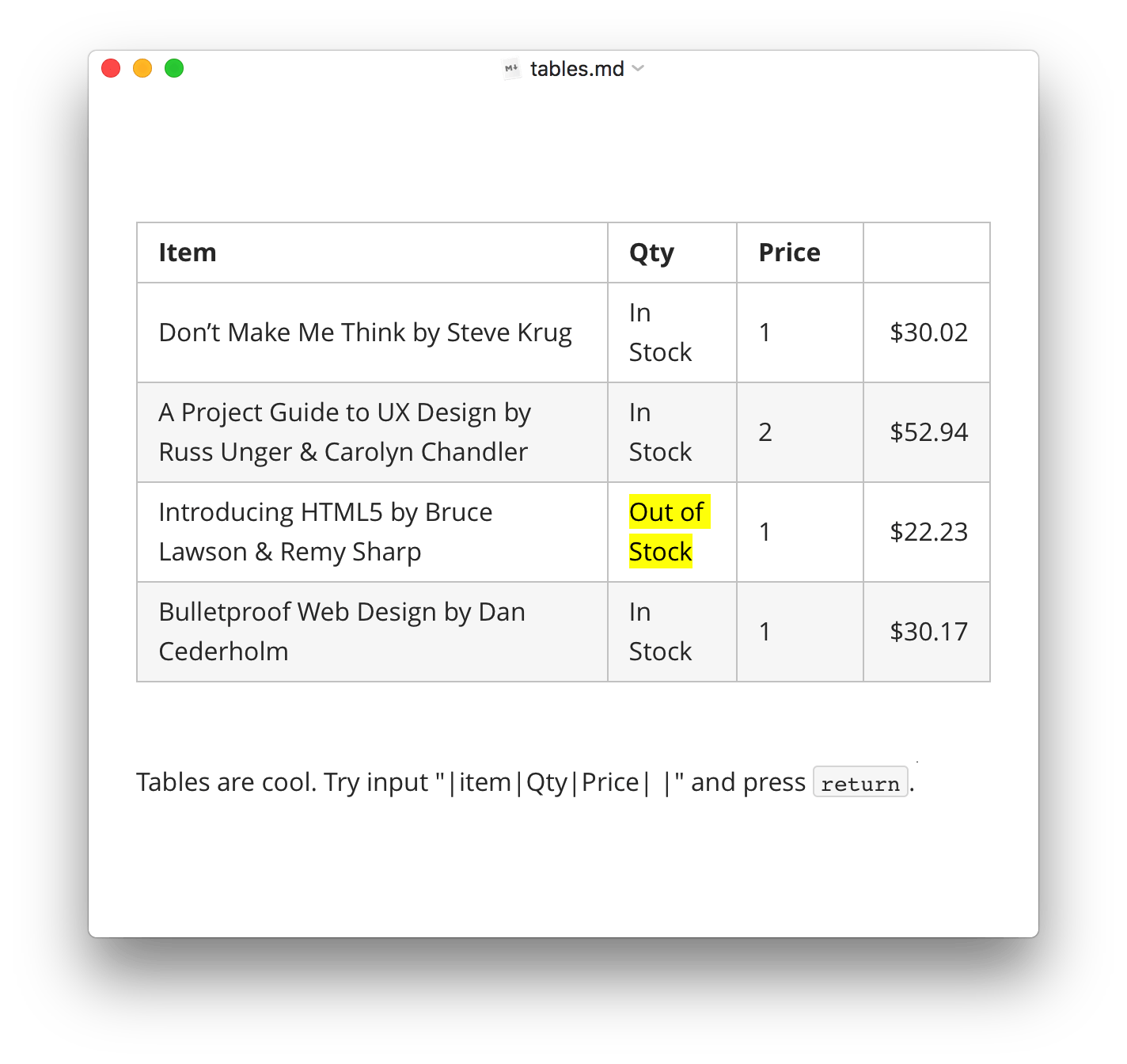
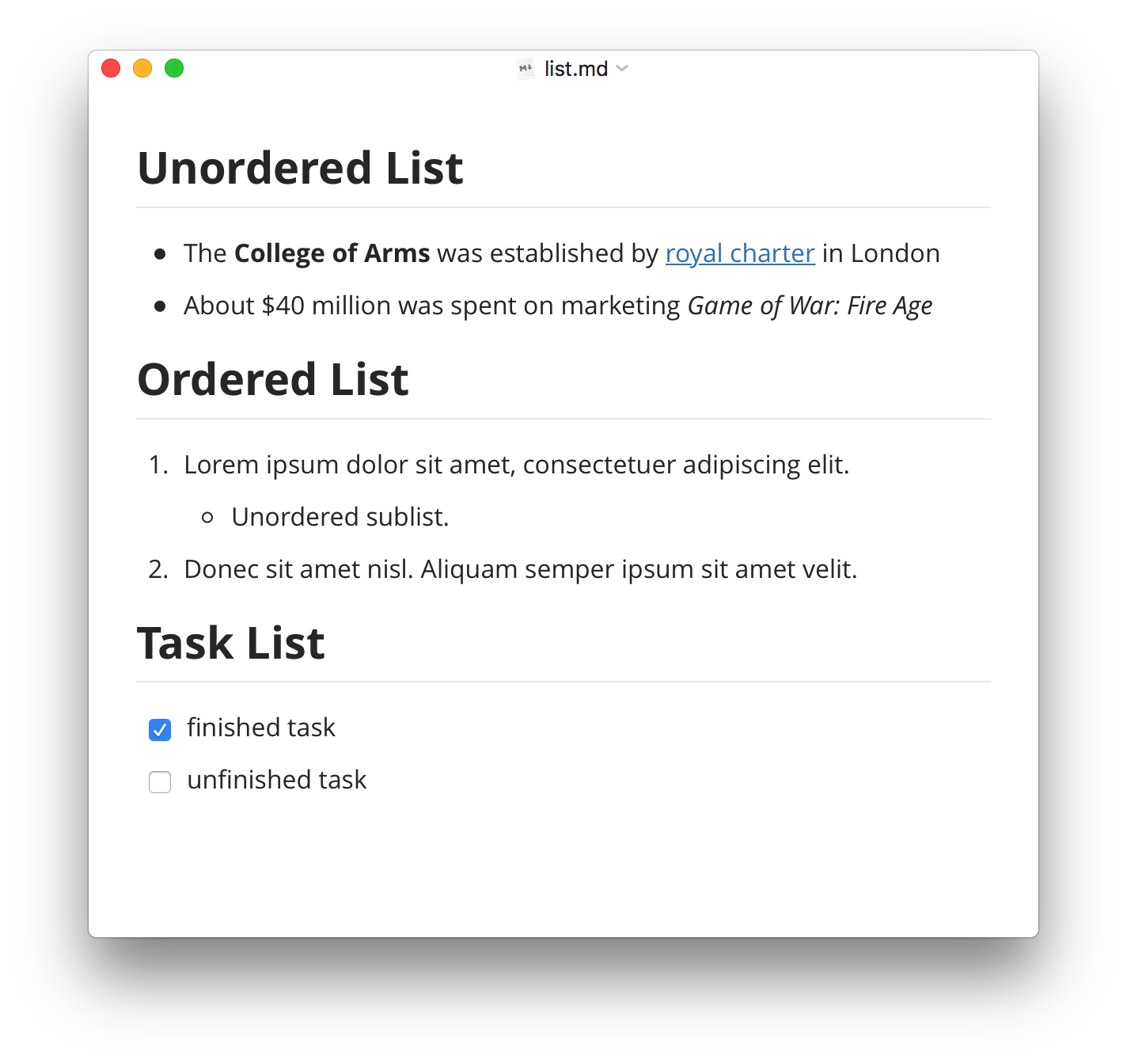
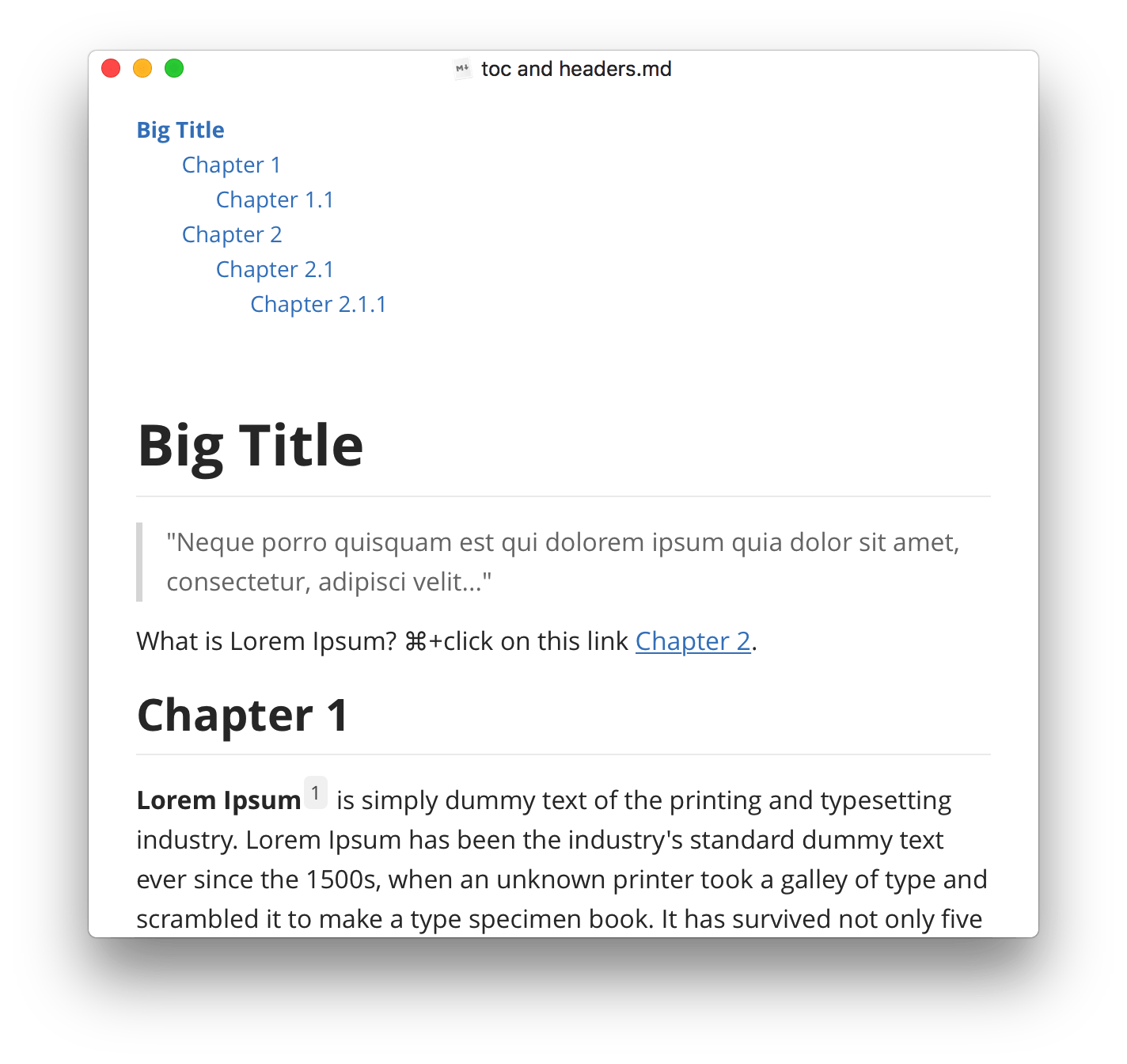
- Intuitive Document Structure: Easily organize your headings, tables, and lists with straightforward keyboard shortcuts and markdown commands.
Who Is This Markdown Tool For?
Whether you are a technical writer drafting documentation, a blogger structuring your next article, or a developer taking structured notes, this application is tailored for anyone who values clean typography and uninterrupted focus. It bridges the gap between raw text editing and rich-text publishing, making it an ideal companion for professional content creators.
Explore the App
If you are ready to elevate your writing workflow and experience a truly modern document editor, we highly recommend trying this software. To learn more or to get started with the application, visit the official page on Flathub today.