

Adobe Lightroom: Photo Editor
Read our comprehensive review of Adobe Lightroom: Photo Editor. Discover how its AI-powered tools, presets, and cloud storage transform your Mac workflow.
The Challenge of Professional Image Management
Capturing a stunning photograph is only half the battle. For creative professionals and photography enthusiasts alike, the real challenge lies in the post-processing phase. Managing massive libraries of high-resolution RAW files, correcting complex lighting anomalies, and maintaining a consistent aesthetic across various devices can quickly become overwhelming. Adobe Lightroom: Photo Editor addresses these exact pain points, offering a centralized, intelligent ecosystem designed to streamline your entire creative workflow on macOS.
AI-Powered Enhancements and Precision Editing
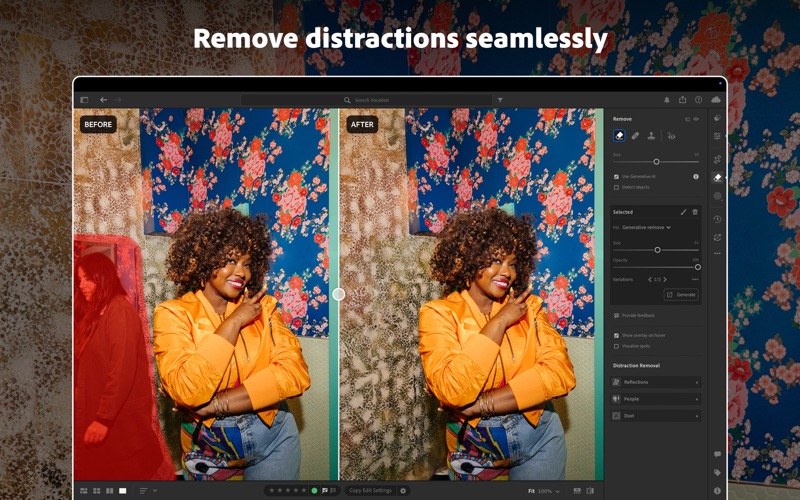
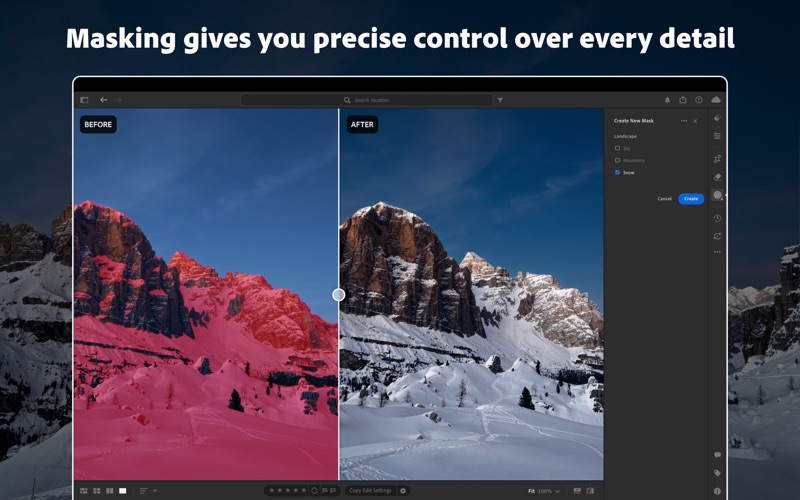
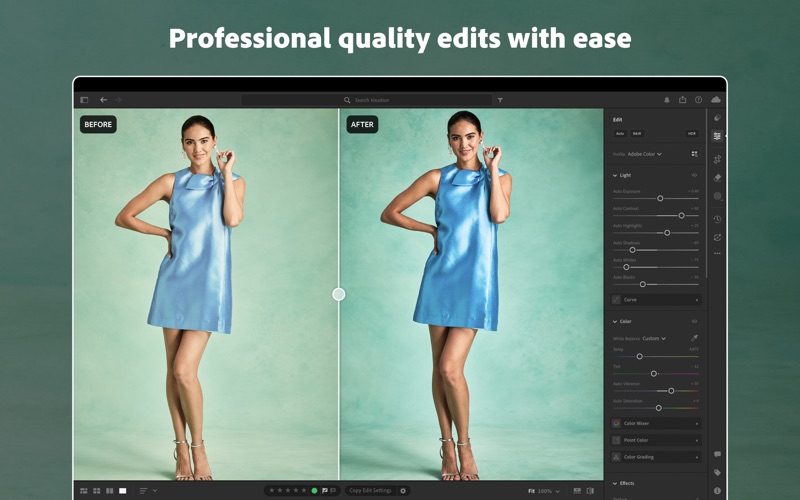
At the core of this powerful application are advanced machine learning capabilities that dramatically cut down manual editing time. Features like AI Denoise and Super Resolution allow you to salvage low-light shots and upscale images without losing critical detail. With precise masking tools, users can make selective adjustments to specific subjects or backgrounds with a single click. The application also provides robust color grading controls, exposure sliders, and an intuitive healing brush to remove unwanted elements seamlessly.
An Editorial Look at Key Features
- Intelligent Organization: Find specific images instantly with AI-driven search capabilities that recognize objects and scenes without requiring manual tagging.
- Seamless Cloud Synchronization: Edit your full-resolution photos on your Mac and see those adjustments sync automatically across your mobile devices and the web.
- Advanced Video Editing: Apply the same professional presets, color grading, and trimming tools to your video clips for a cohesive visual style.
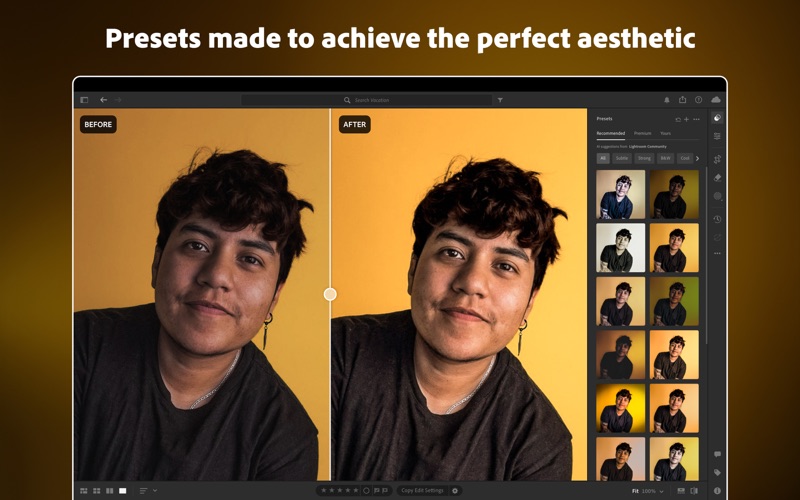
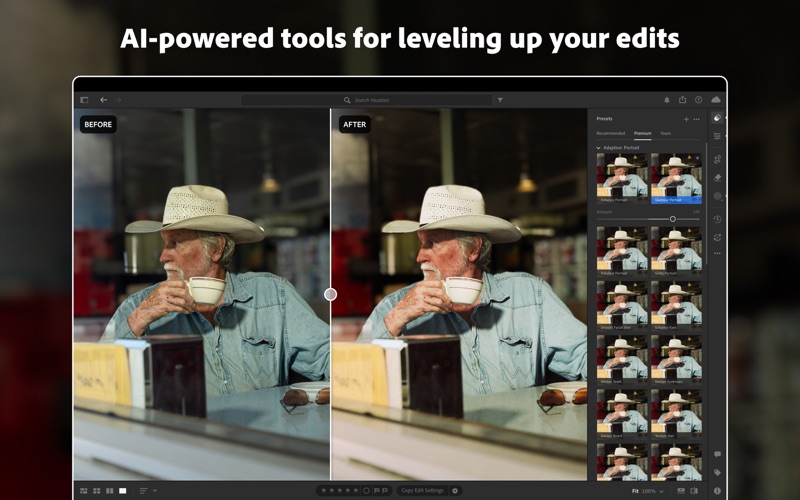
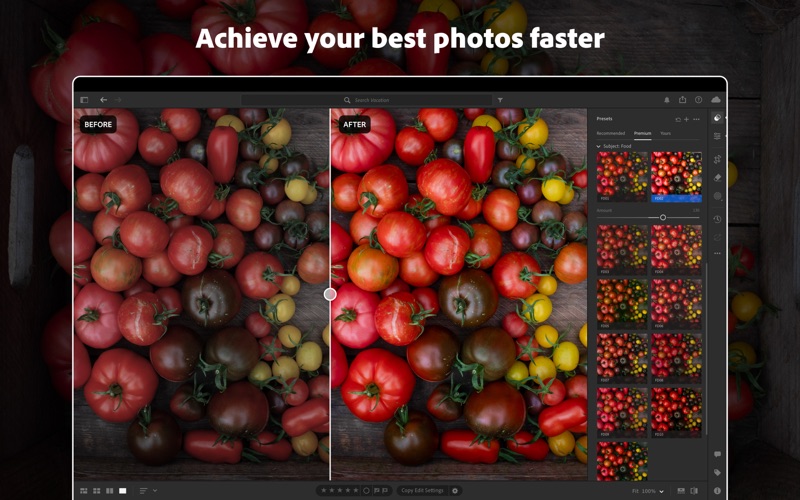
- Community and Presets: Access built-in presets for instant style upgrades or explore step-by-step guides from industry professionals directly inside the app.
Who Is This Creative Suite For?
Developed by Adobe Inc., this design and photography tool is tailored for Mac users who require an efficient, non-destructive editing environment. Whether you are a commercial photographer delivering high-stakes client work or an enthusiast looking to elevate your social media presence, the platform scales to meet your specific creative demands. It bridges the gap between raw capture and polished final output while keeping your asset library perfectly organized.
Is Adobe Lightroom: Photo Editor Right For You?
If you are looking to elevate your photography and simplify your post-production lifecycle, Adobe Lightroom: Photo Editor stands out as an industry-standard solution. To explore the software, start your trial, or manage your subscription, visit the official Apple App Store today.