
Slack
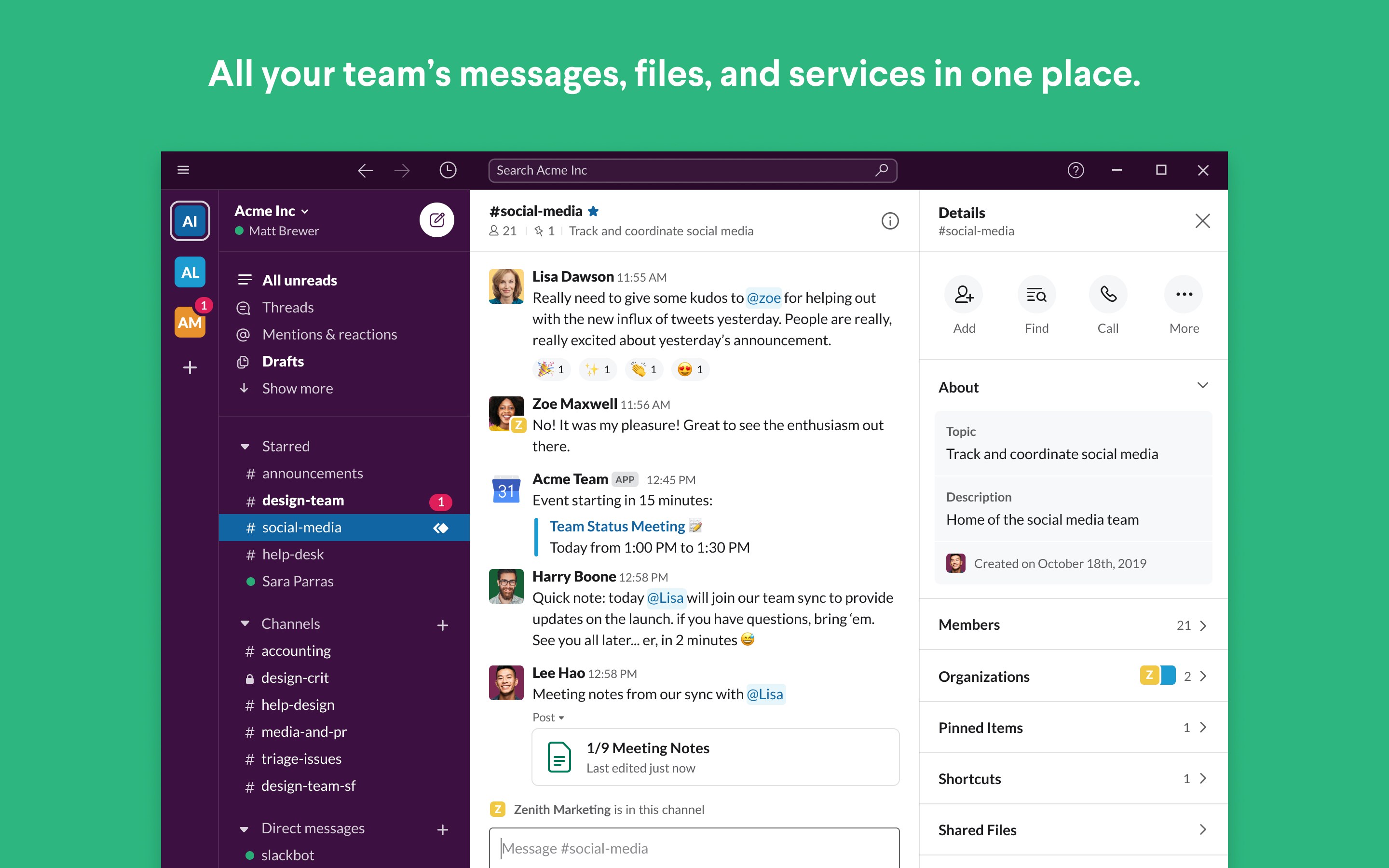
Read our comprehensive review of Slack for Windows and discover how this premier team communication platform streamlines enterprise collaboration.
The Ultimate Team Communication Tool for Modern Workforces
In the modern corporate landscape, keeping projects on track requires more than just standard email. Slack team communication software has redefined how organizations operate by consolidating messaging, file sharing, and project coordination into a single, cohesive hub. Developed by Slack Technologies Inc., this robust Windows application serves as a central digital headquarters where teams of all sizes can align their efforts and accelerate daily workflows.
Tailored Collaboration: Who Benefits Most?
Whether you are managing a rapidly growing startup or coordinating operations across a multinational enterprise, this communication platform adapts to your organizational structure. It is particularly beneficial for:
- Project Managers: Keep track of deliverables and monitor progress across dedicated, topic-specific channels.
- Remote Teams: Bridge geographical gaps with instant messaging, direct calls, and real-time document collaboration.
- Cross-Functional Departments: Bring external clients, internal stakeholders, and specific departments together in secure virtual rooms.
Standout Features of Slack Team Communication
This software is packed with enterprise-grade features designed to reduce organizational friction and boost daily productivity:
Organized Channels and Messaging
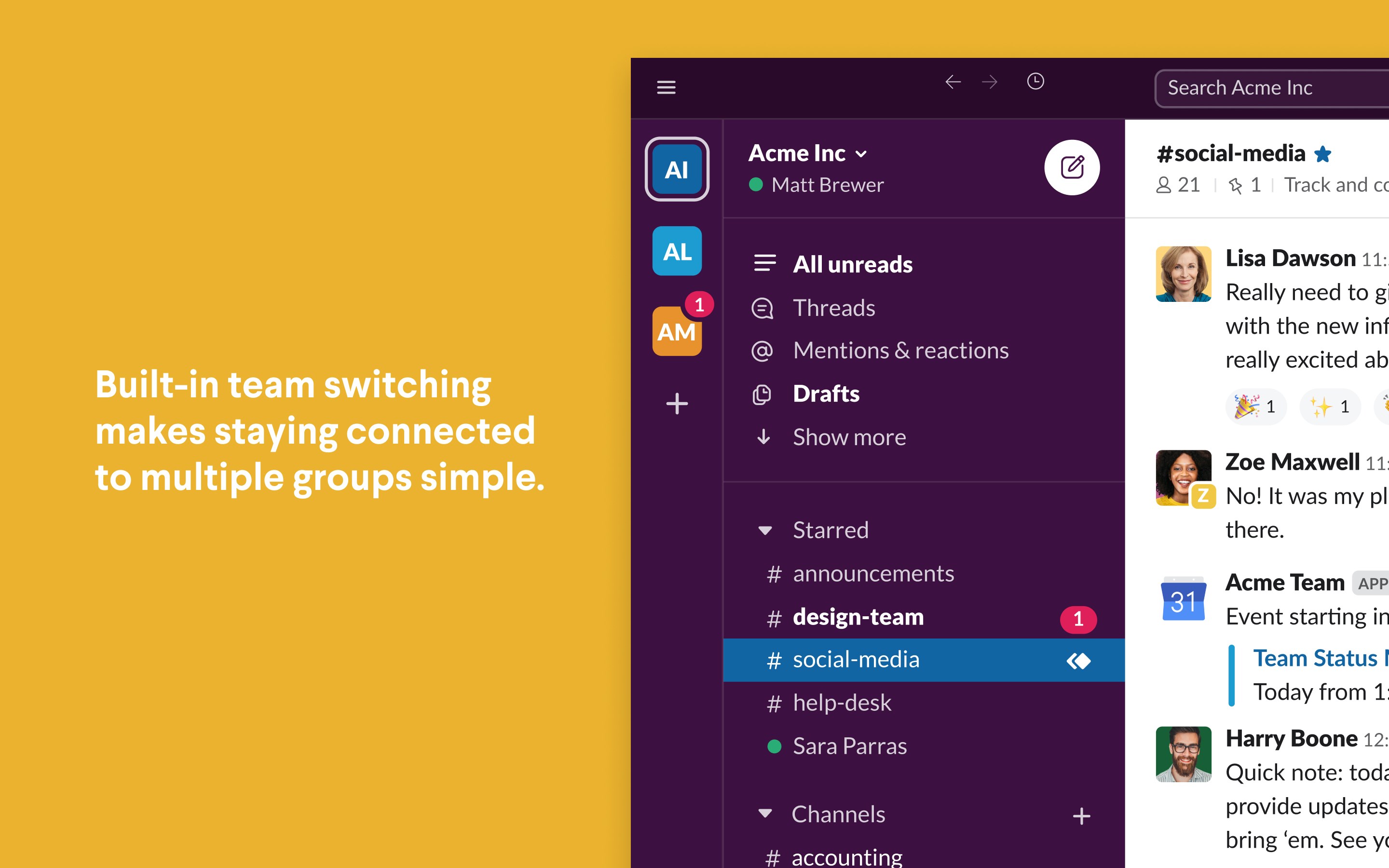
Move away from cluttered inboxes. Organize your daily operations by creating public or private channels dedicated to specific projects, clients, or topics. You can message individuals directly or create group chats on the fly.
Seamless Tool Integration
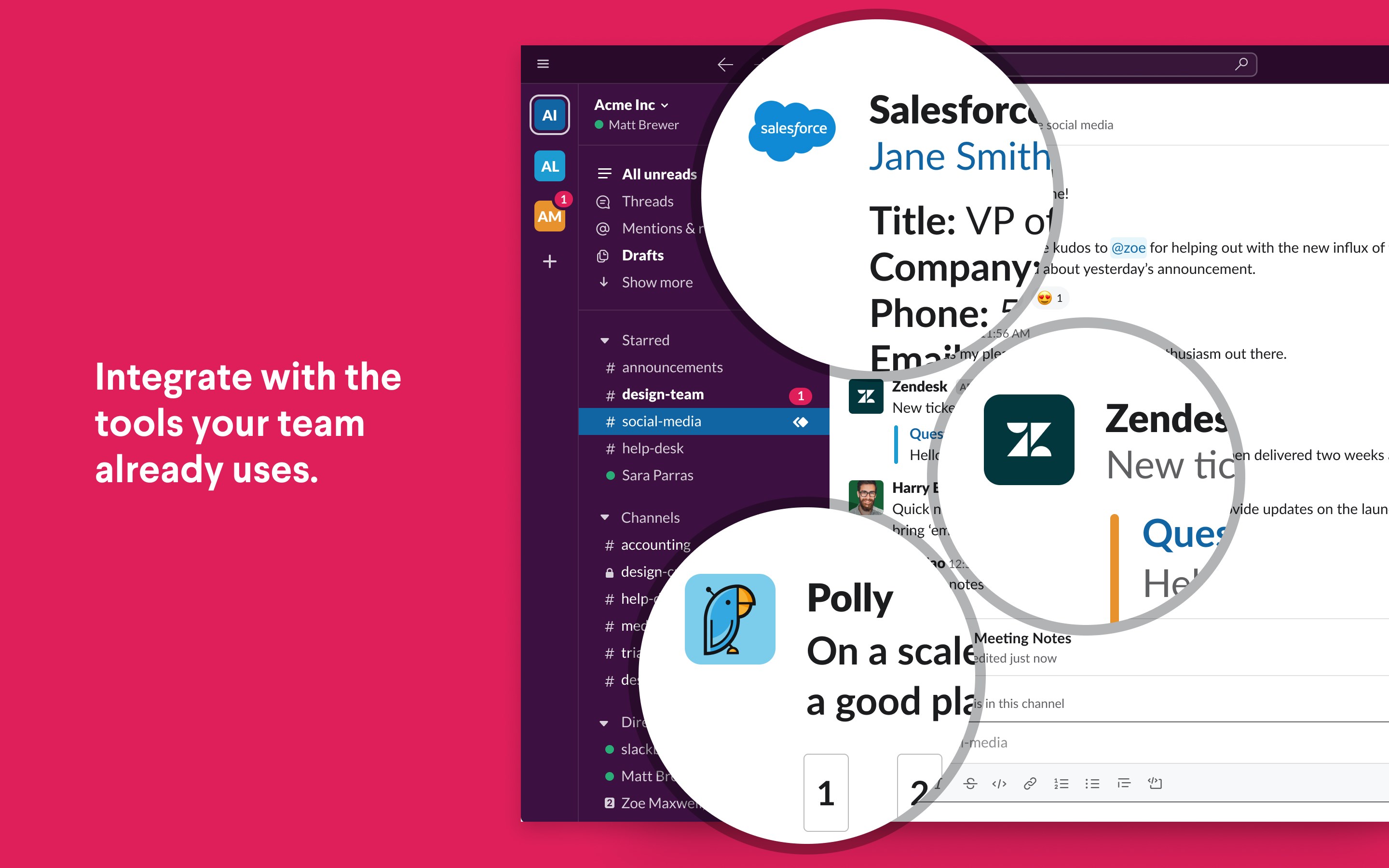
Connect the software directly to the external services your business already relies on. By integrating tools like Google Drive, Dropbox, Salesforce, Asana, and Zendesk, you can receive automated updates and manage your files without leaving your active workspace.
Centralized Knowledge Base
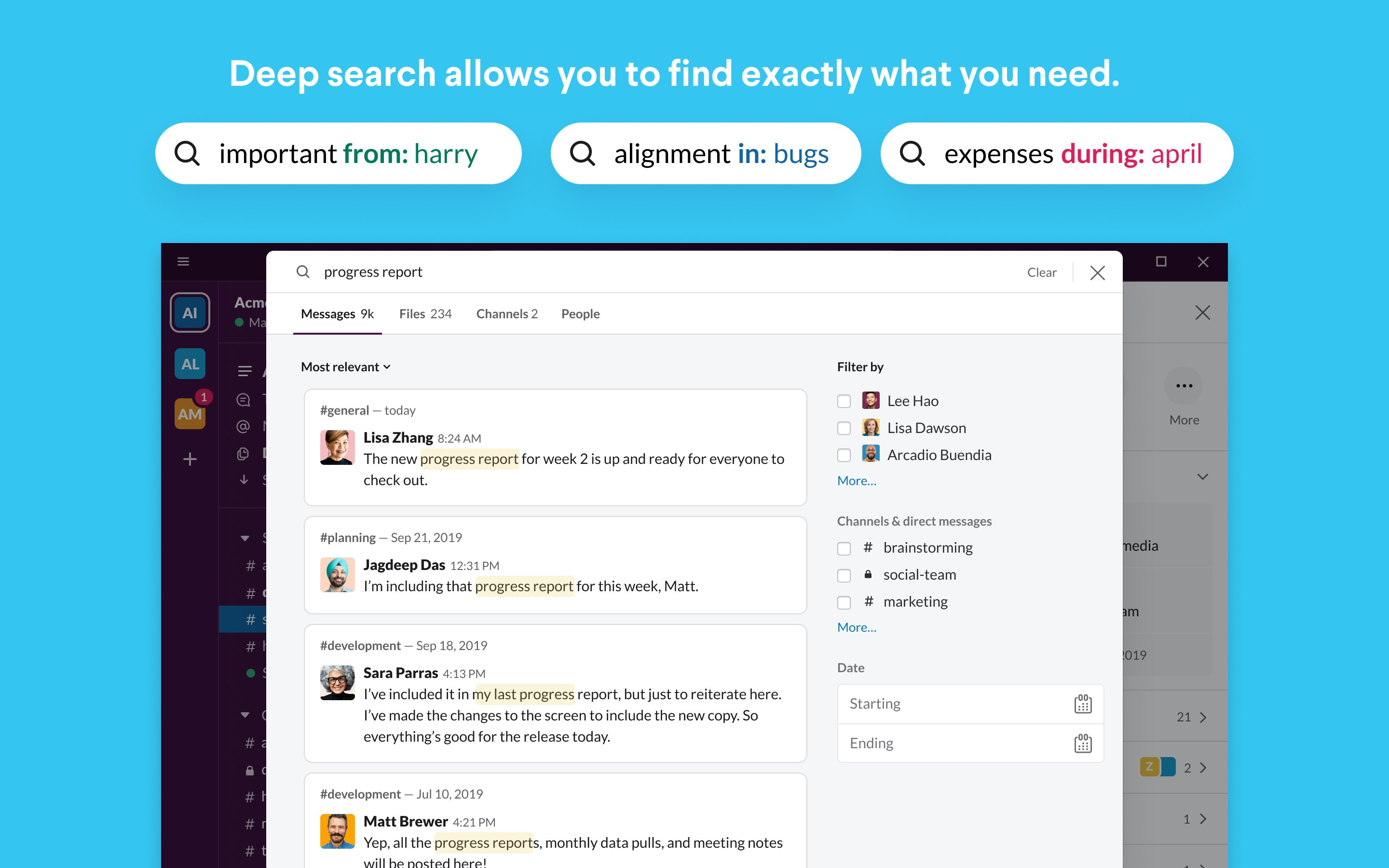
Finding past information is effortless. The platform automatically indexes and archives your historical team conversations and shared files, creating a searchable repository of company knowledge that is accessible whenever you need it.
A Smarter Way to Work
By offering customized notifications, cross-device synchronization, and a highly intuitive interface, this application ensures you stay focused on high-priority tasks without missing critical updates. It simplifies professional communication, making corporate collaboration more structured and significantly more productive.
If you are ready to transform your corporate workflow, you can learn more and review the application details on the official Microsoft Store page.