
EZ APK App Installer
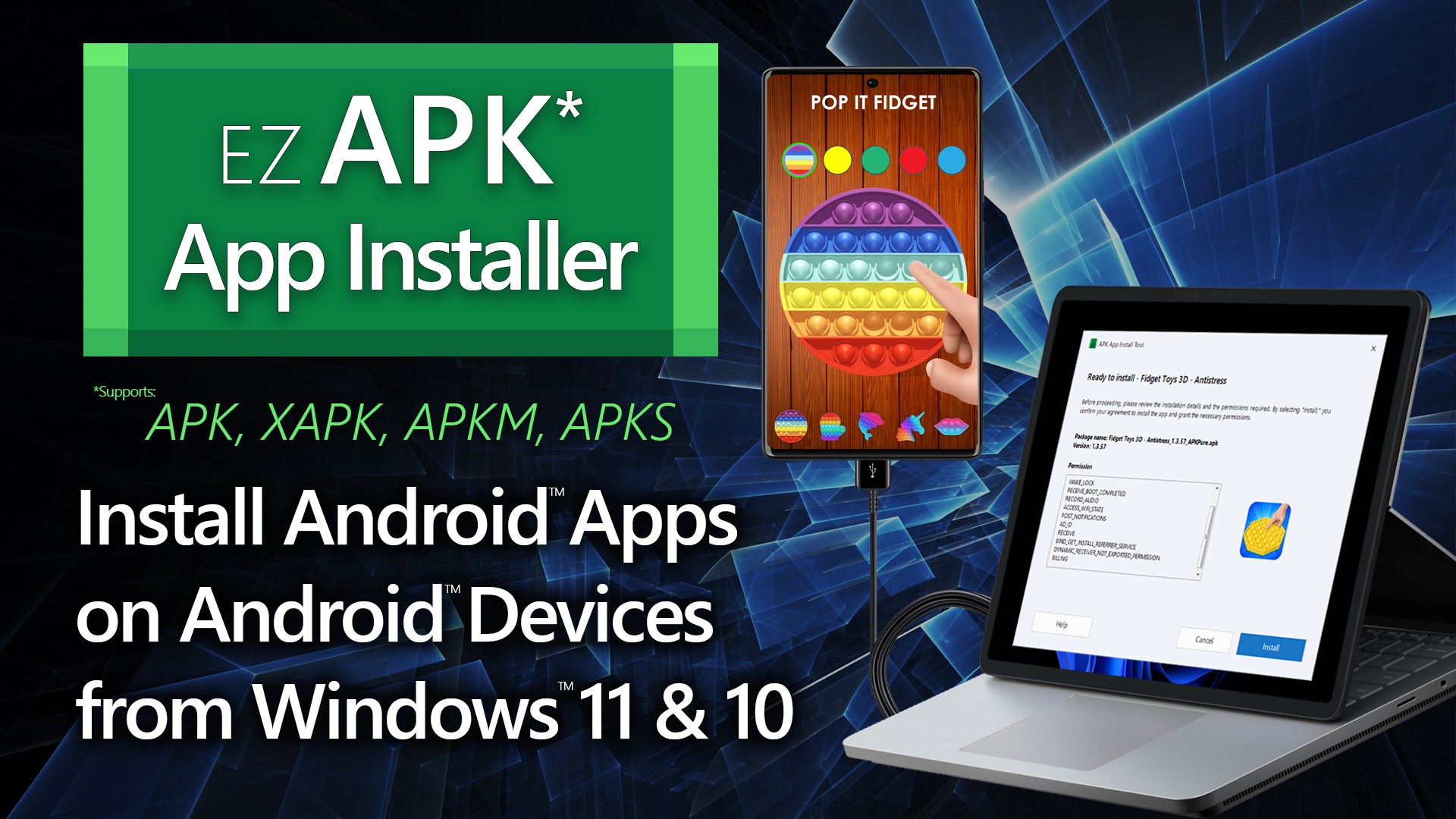
Discover how the EZ APK App Installer for Windows simplifies sideloading Android apps to your device via USB or Wi-Fi. Read our full editorial review.
A Streamlined Solution for Android Sideloading
For Windows users who frequently test, develop, or enjoy Android applications, deploying files from a PC to a mobile device can sometimes feel like a chore. The EZ APK App Installer Android sideloading tool by HUXSoft.com offers a structured, user-friendly desktop bridge that eliminates the need for complex command-line prompts when installing packages onto physical hardware.
How the EZ APK App Installer Android Sideloading Tool Works
This utility operates as a graphical interface built on top of the Android Debug Bridge (ADB). Once you have the official ADB developer tools configured on your Windows 10 or Windows 11 PC, this software automatically detects your connected hardware and guides you through the deployment process step-by-step.
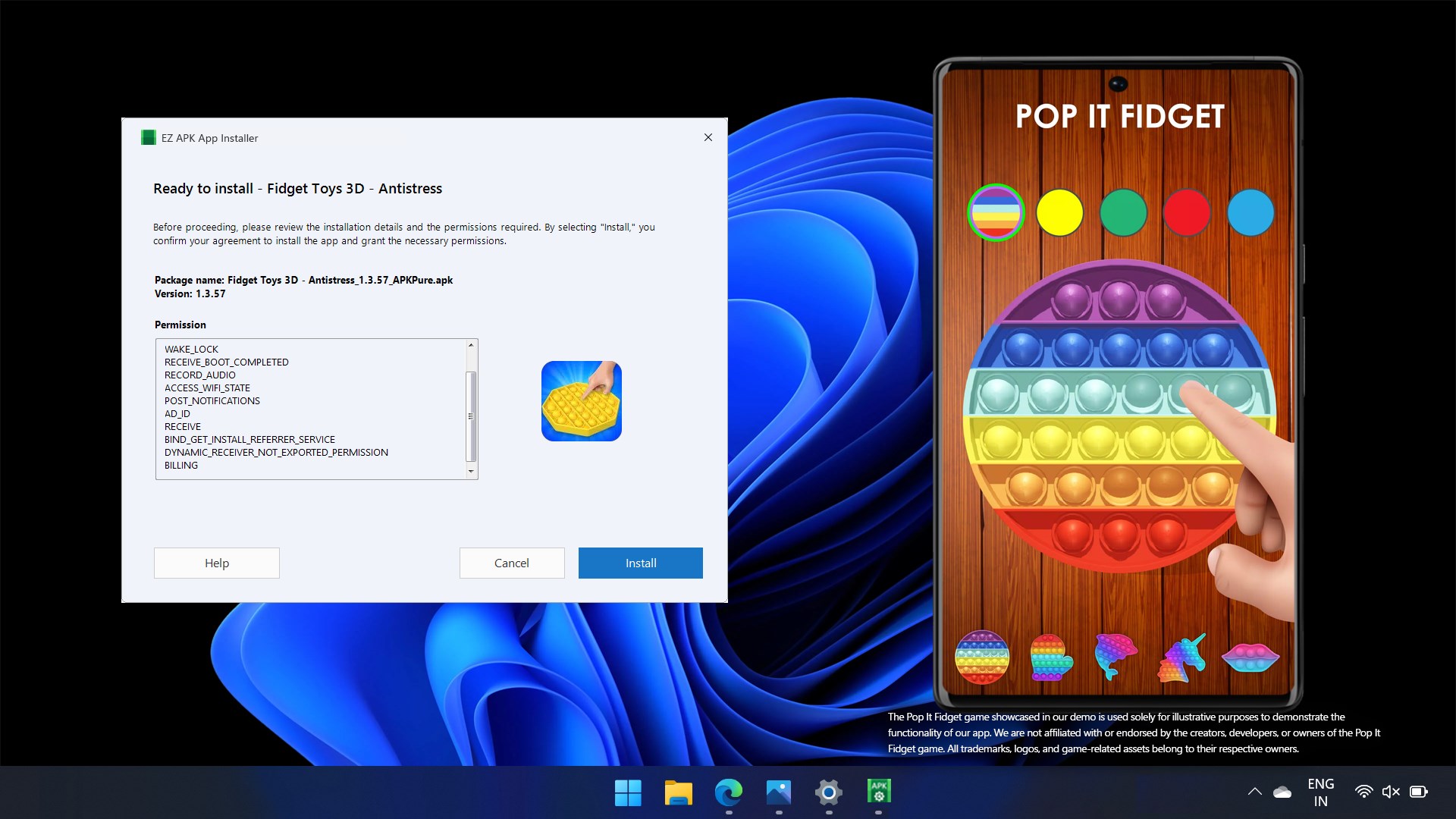
Rather than typing out manual terminal commands, you can rely on a clear, visual wizard that displays crucial package details before you commit to the installation. This includes the application's official name, version number, and requested permissions, ensuring you know exactly what is being loaded onto your device.
Versatile Connection Options
One of the standout features of this utility is its flexible connectivity support:
- Direct USB Connections: Plug in your device, ensure USB debugging is active, and let the software handle the rest.
- Modern Wi-Fi Pairing: For devices running Android 11 or later, you can pair and install packages entirely over a local wireless network.
- Legacy Wireless Setup: Devices on older Android versions can still utilize wireless deployment after an initial USB handshake to authorize the connection.
Broad Format Compatibility
Modern Android distribution has evolved past standard single-file packages. The EZ APK App Installer Android sideloading tool is fully equipped to handle this shift, offering robust support for multiple packaging formats, including:
- Standard .apk files
- Bundled .xapk packages
- Splits like .apkm and .apks formats
Who Is This Tool For?
This software is highly beneficial for developers who need to quickly test builds on real physical hardware without relying on slow emulators. It is also an excellent utility for power users who want to safely manage their application environment from the comfort of a large screen and keyboard setup.
The application operates on a trial-to-upgrade model, allowing you to run a single test installation to verify compatibility with your setup before deciding whether to unlock unlimited lifetime access.
Our Verdict
By replacing intimidating command-line sequences with an intuitive, guided interface, this utility bridges the gap between Windows PCs and Android devices seamlessly. If you want to simplify how you manage your mobile deployments, you can learn more and acquire the app directly from the official Microsoft Store.