

LoboBrowser
Read our comprehensive review of LoboBrowser for Windows 10. Learn how this lightweight web browser delivers speed, simplicity, and built-in bookmarking.
An Introduction to LoboBrowser Windows Web Browser
LoboBrowser Windows web browser is a lightweight, modern web browser developed by XAOS Interactive, specifically designed to offer a streamlined and fast browsing experience on Windows 10. Built from the ground up, this application prioritizes speed and simplicity, making it an intriguing alternative for users who want a clean, uncluttered interface without the resource-heavy bloat of traditional mainstream browsers.
Core Features and Practical Usability
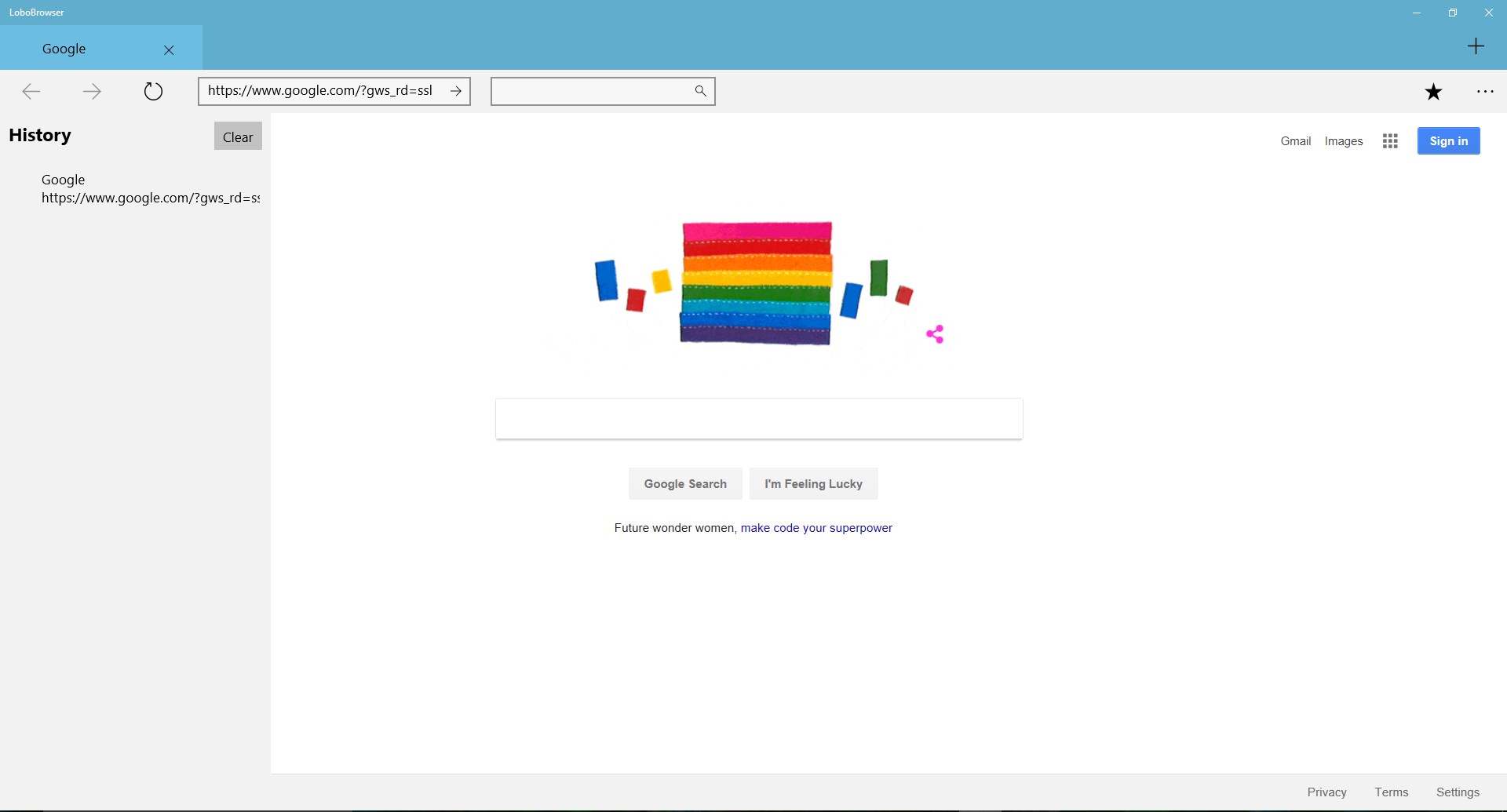
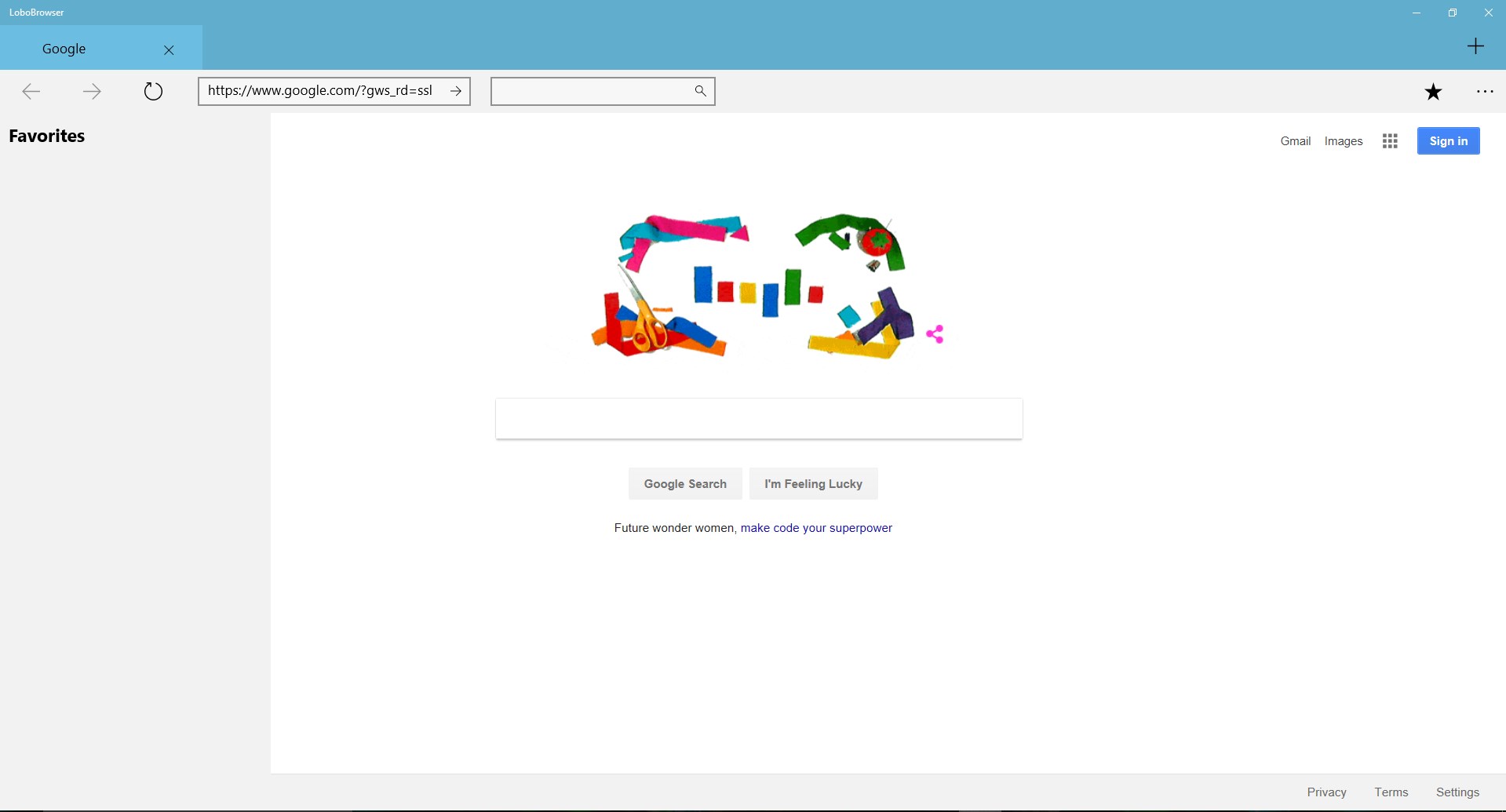
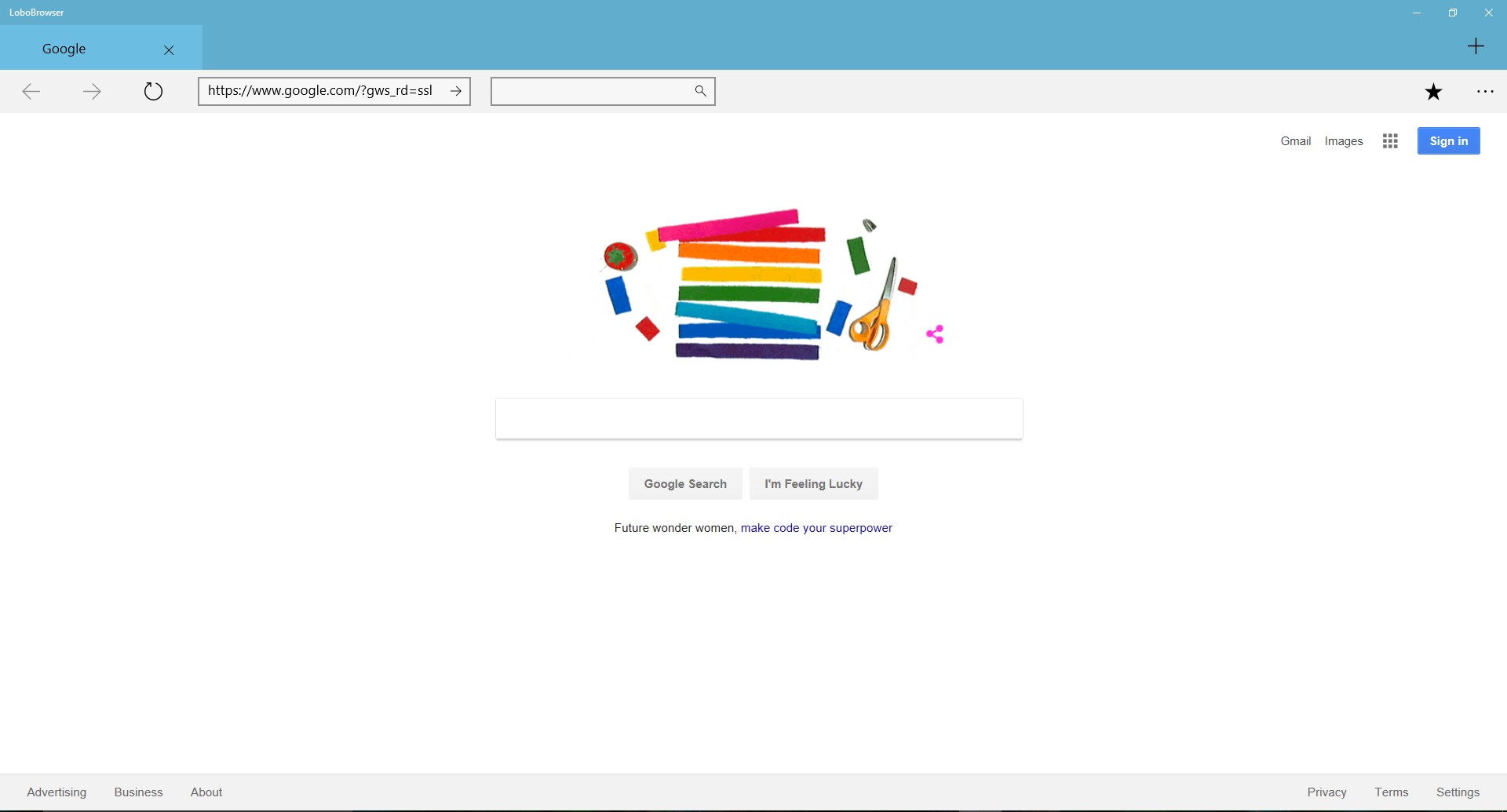
When navigating the web, having a responsive interface is crucial. The LoboBrowser Windows web browser focuses on delivering essential tools directly out of the box. Here is what you can do with it:
- Manage Favorites Effortlessly: Save your most-visited websites with built-in favorites support, allowing for quick access during daily browsing sessions.
- Organize with Bookmarks: Keep your research, work links, and entertainment portals organized using the native bookmarking system.
- Sleek User Interface: Enjoy a modern design language that integrates naturally with the Windows 10 desktop environment.
Future Roadmap: Enhanced Security and Parental Controls
Beyond its current feature set, XAOS Interactive has designed the LoboBrowser Windows web browser with a forward-looking roadmap aimed at family safety. The developer plans to introduce robust parental controls, which will allow parents to manually blacklist specific websites. This upcoming security layer aims to make the application a safer choice for household PCs and younger users, giving administrators direct control over accessible web content.
Is It Right for You?
If you are looking for a straightforward, lightweight alternative to resource-intensive browsers, this application provides the foundational tools needed for daily web navigation. Its focus on essential bookmarking and a clean interface makes it highly suitable for users who value simplicity over complex extensions.
To experience this streamlined navigation tool for yourself, you can find more details and download the application directly from the official Microsoft Store page.