
X Browser
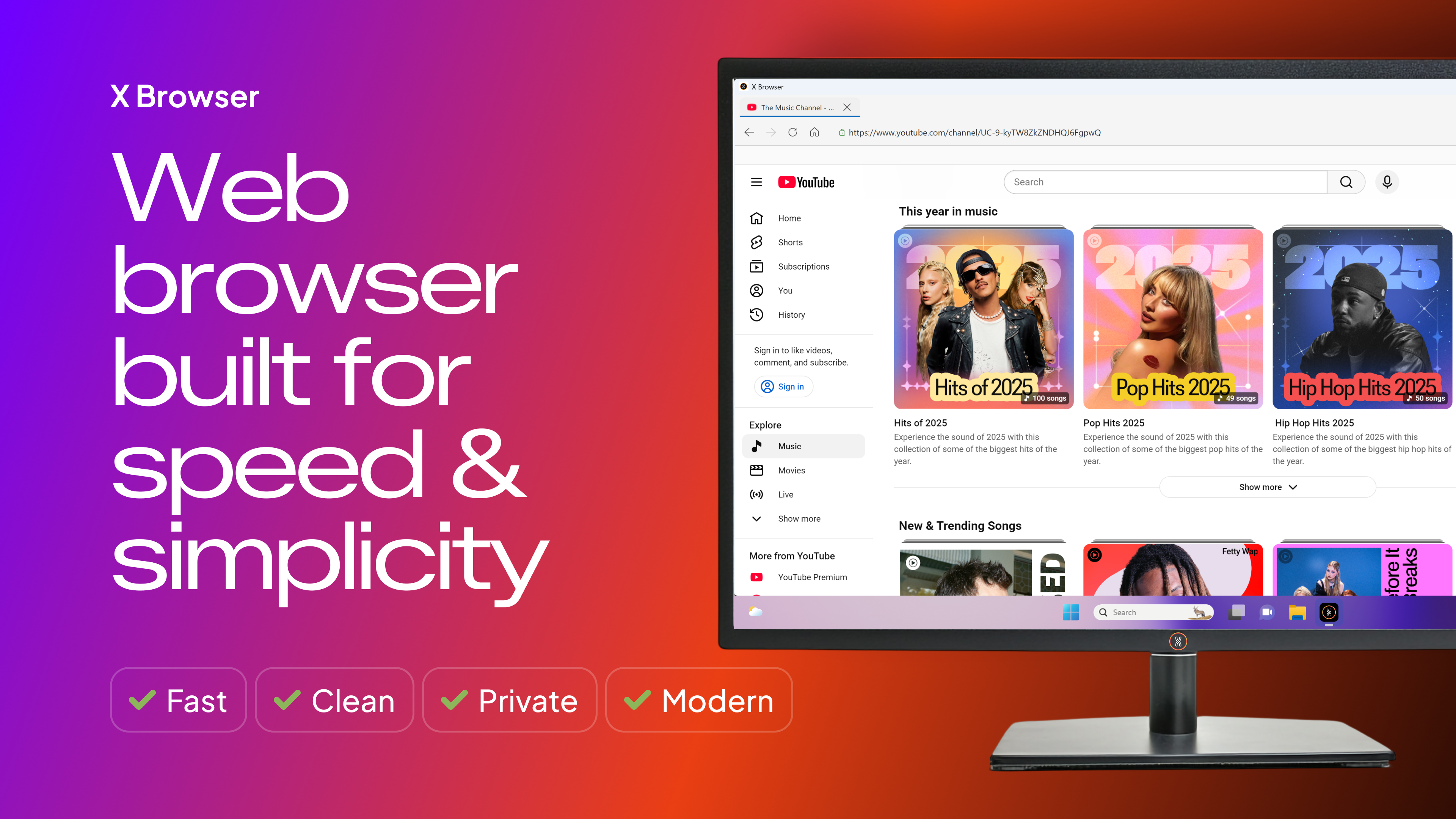
Discover how the X Browser Chromium web browser optimizes your daily workflow with unique split-screen browsing, smart tab organization, and robust security.
Modern web users often struggle with digital clutter, battling sluggish tab performance and rigid layouts that disrupt their productivity. The X Browser Chromium web browser addresses these frustrations directly by delivering an exceptionally fast, highly customizable, and lightweight navigation experience built on a high-performance engine.
Flexible Tab Management and Layout Control
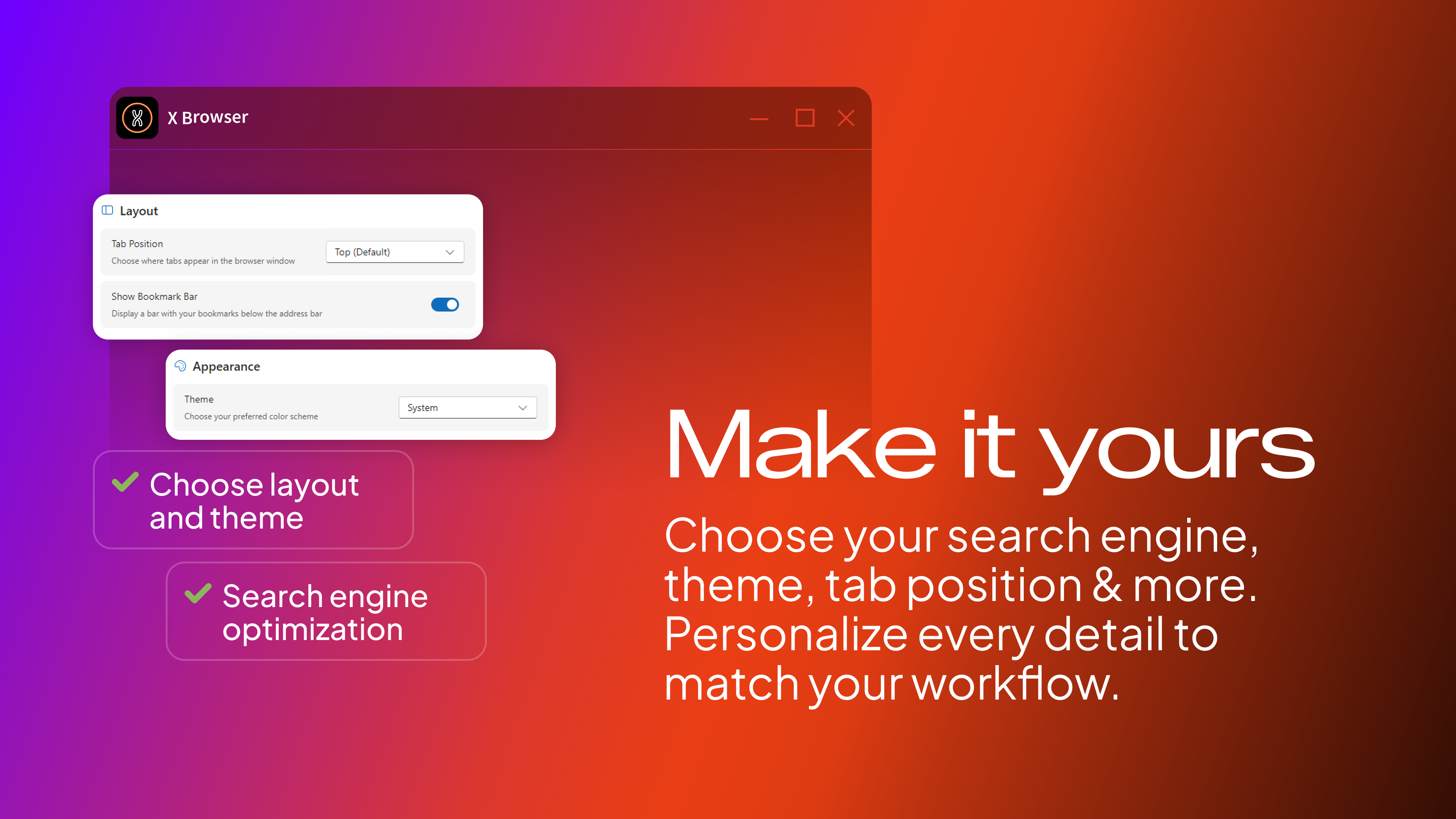
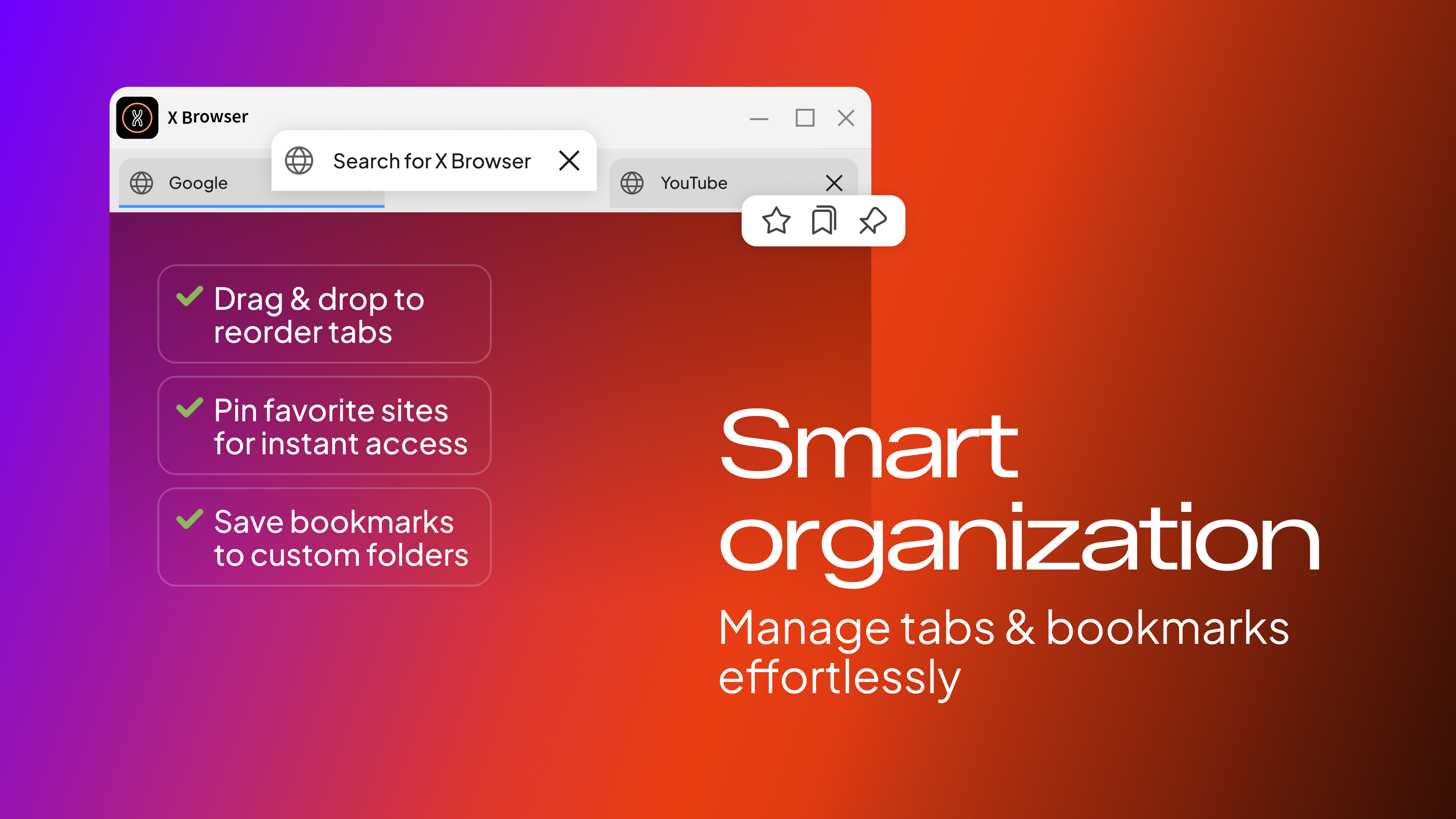
One of the most notable features of this application is its versatile approach to workspace organization. Instead of forcing you into a standard top-row tab layout, the X Browser Chromium web browser lets you position your tabs on the top, left, or right side of your window. This flexibility, paired with drag-and-drop reordering, custom-colored folders for bookmarks, and a toggleable bookmark bar, makes organizing deep research or daily workflows remarkably intuitive.
Boost Productivity with Built-In Split View
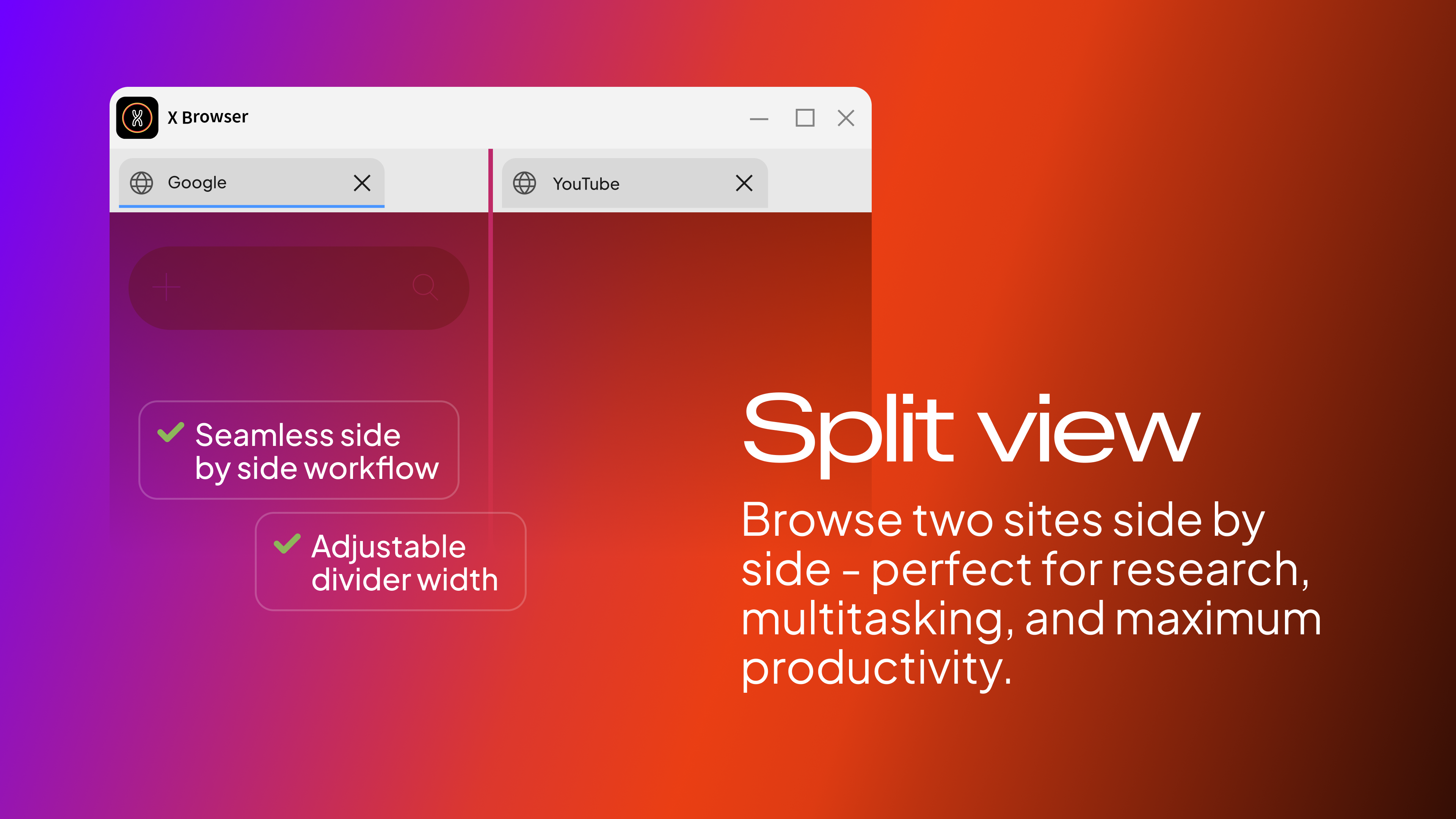
For users who constantly toggle between windows to compare data, the integrated Split View is a game-changer. It allows you to partition your workspace and view two active websites side by side with a fully adjustable central divider. This eliminates the need for multiple monitor setups or complex window-snapping configurations when studying, researching, or writing.
Key Features of X Browser
- Chromium Engine: Experience rapid page loads, smooth scrolling, and complete compatibility with modern web standards.
- Privacy & Security: Browse confidently using Incognito Mode to prevent history and cookie retention, and lock your active session with a secure 4-digit PIN lock.
- Advanced File Handling: Manage files via a built-in download manager and open formats like PDF, HTML, SVG, WebP, and MHTML directly inside the browser.
- Personalization: Customize your interface with 10+ font options and vibrant color themes such as Ocean, Mint, Lavender, and Rose.
- System Efficiency: Utilize system tray integration, minimize-to-tray functions, auto-launch options, and session recovery tools.
Who Is This Web Browser For?
Developed by Coala Apps for the Windows platform, this tool is ideal for researchers, students, and professionals who require a fast, distraction-free environment. Its robust keyboard shortcuts and window-pinning features cater specifically to power users looking to maximize efficiency without taxing system resources.
If you are ready to upgrade your daily internet navigation with a clean, fast, and highly customizable interface, check out the official Microsoft Store page to explore the X Browser Chromium web browser further.