
Real Speed Test
Read our comprehensive review of Real Speed Test for Windows. Learn how this lightweight utility measures your connection speed and network consistency.
An Honest Review of Real Speed Test for Windows
The Real Speed Test network utility by Xiaoya Lab. is a streamlined, no-nonsense application designed specifically for Windows users who need to evaluate their internet performance instantly. In an era where remote work, video conferencing, and online gaming demand flawless connectivity, having a reliable diagnostic tool is essential. This application strips away the bloat common in modern software, offering a lightweight desktop experience focused entirely on delivering accurate connection metrics.
Who Is This Network Utility For?
This application is ideal for remote professionals, casual gamers, and everyday web surfers who suspect their internet service provider (ISP) is not delivering on its promises. If you frequently experience buffering during video calls or latency while playing online, the Real Speed Test network utility helps you pinpoint whether your local connection is the bottleneck. Its straightforward interface makes it accessible to non-technical users while still providing the core data points that advanced users expect.
Key Metrics Measured
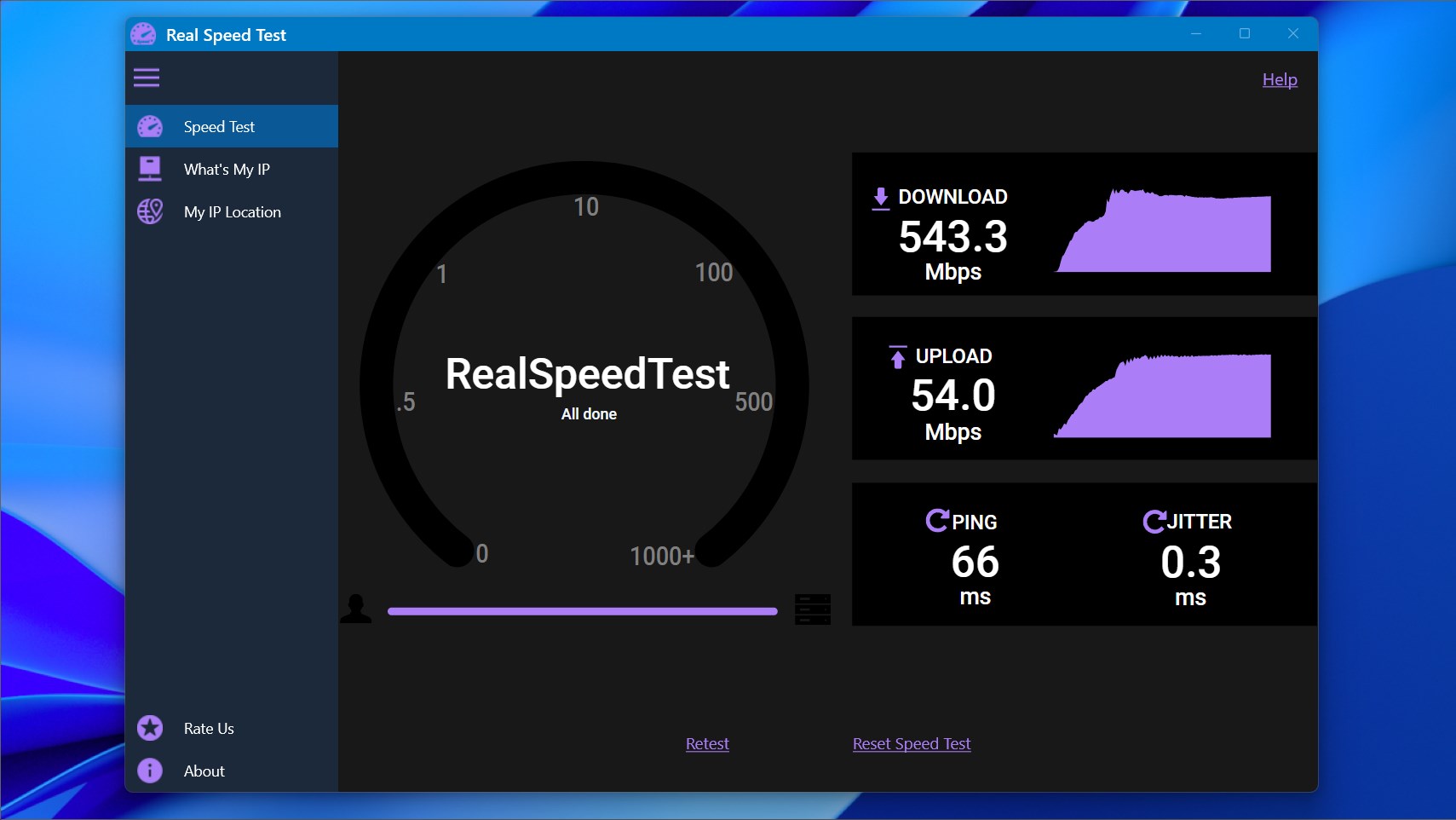
Despite its minimalist design, the utility evaluates the most critical aspects of your network pipeline:
- Download Speed: Measures how quickly data travels from the web to your Windows device, crucial for streaming and downloading large files.
- Upload Speed: Determines how fast you can send data to external servers, which directly impacts video call quality and cloud backups.
- Network Delay (Ping): Evaluates the responsiveness of your connection, a vital metric for real-time online interactions.
- Consistency: Tracks how stable your connection remains throughout the testing process.
Streamlined Three-Step Operation
Operating the Real Speed Test network utility requires virtually no technical expertise. The entire diagnostic process is completed in three simple steps:
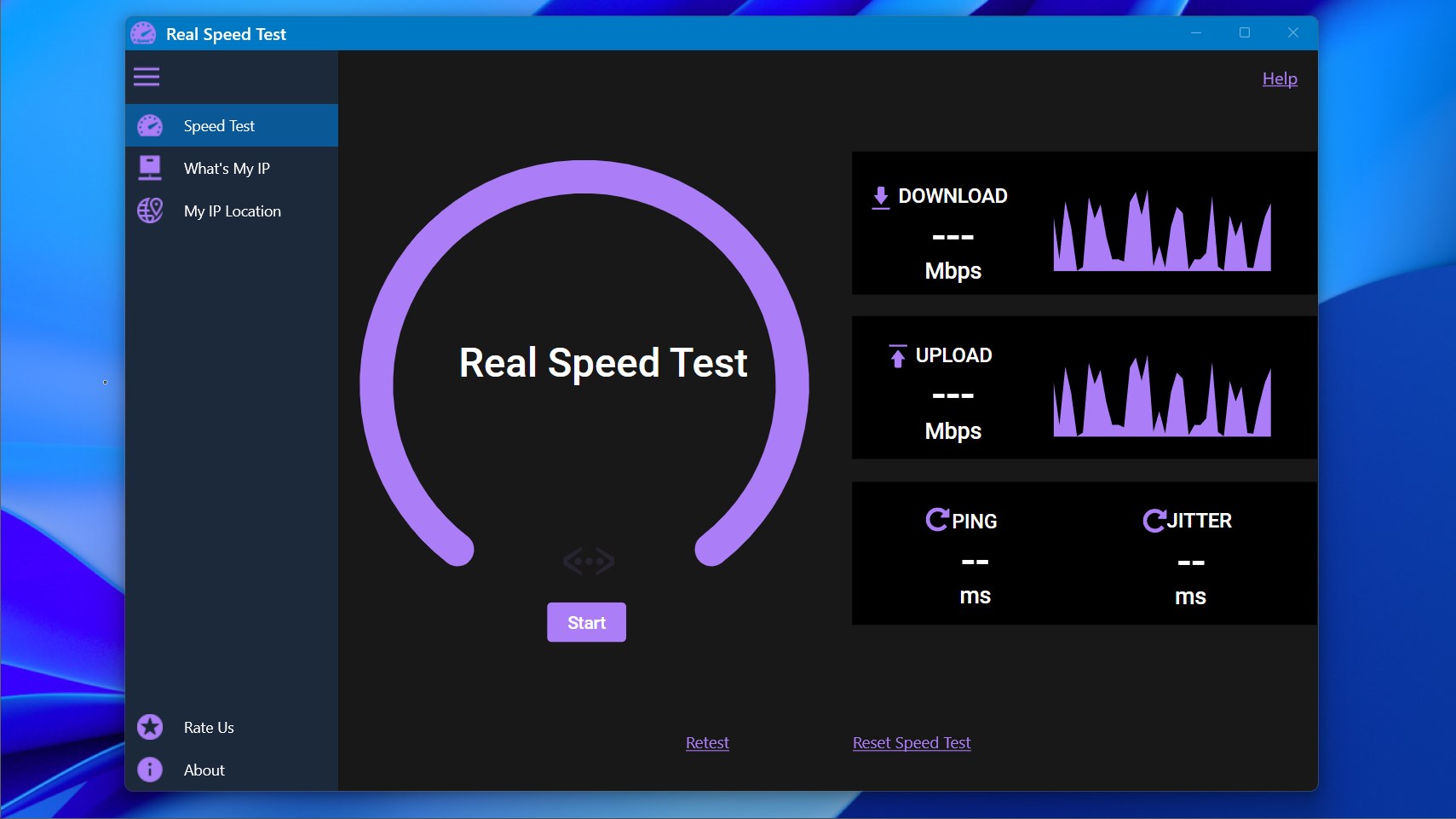
- Launch the application and click the prominent "Start" button.
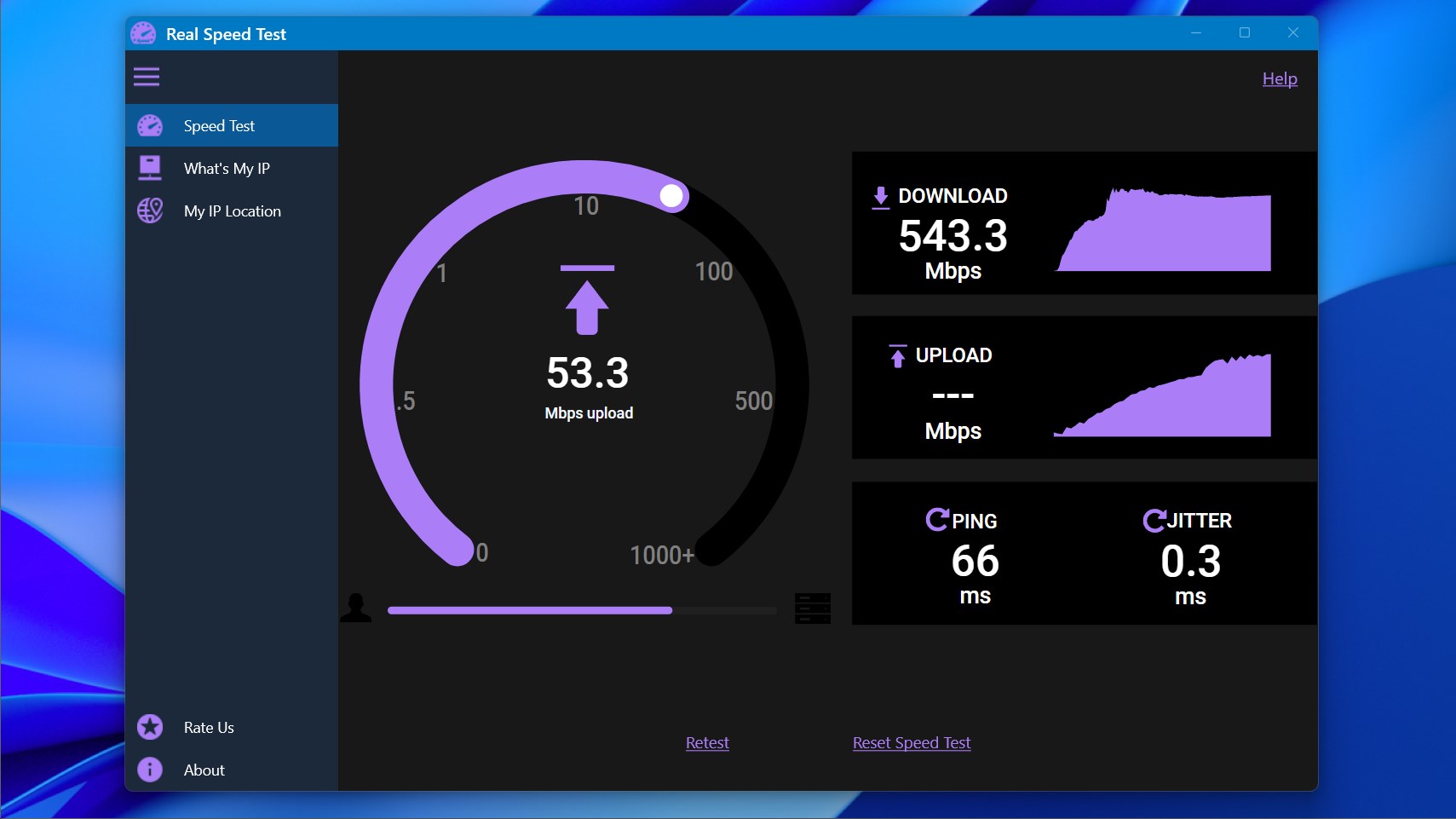
- Allow the utility a few moments to run its automated diagnostic sequence.
- Review the finalized, easy-to-read speed and latency metrics on your screen.
Final Verdict
If you are looking for a highly efficient, ad-free alternative to bloated web-based speed tests, this tool is an excellent choice for your Windows environment. It does one job and does it exceptionally well. To try it out for yourself, head over to the official Microsoft Store to acquire the application directly from the developer.